
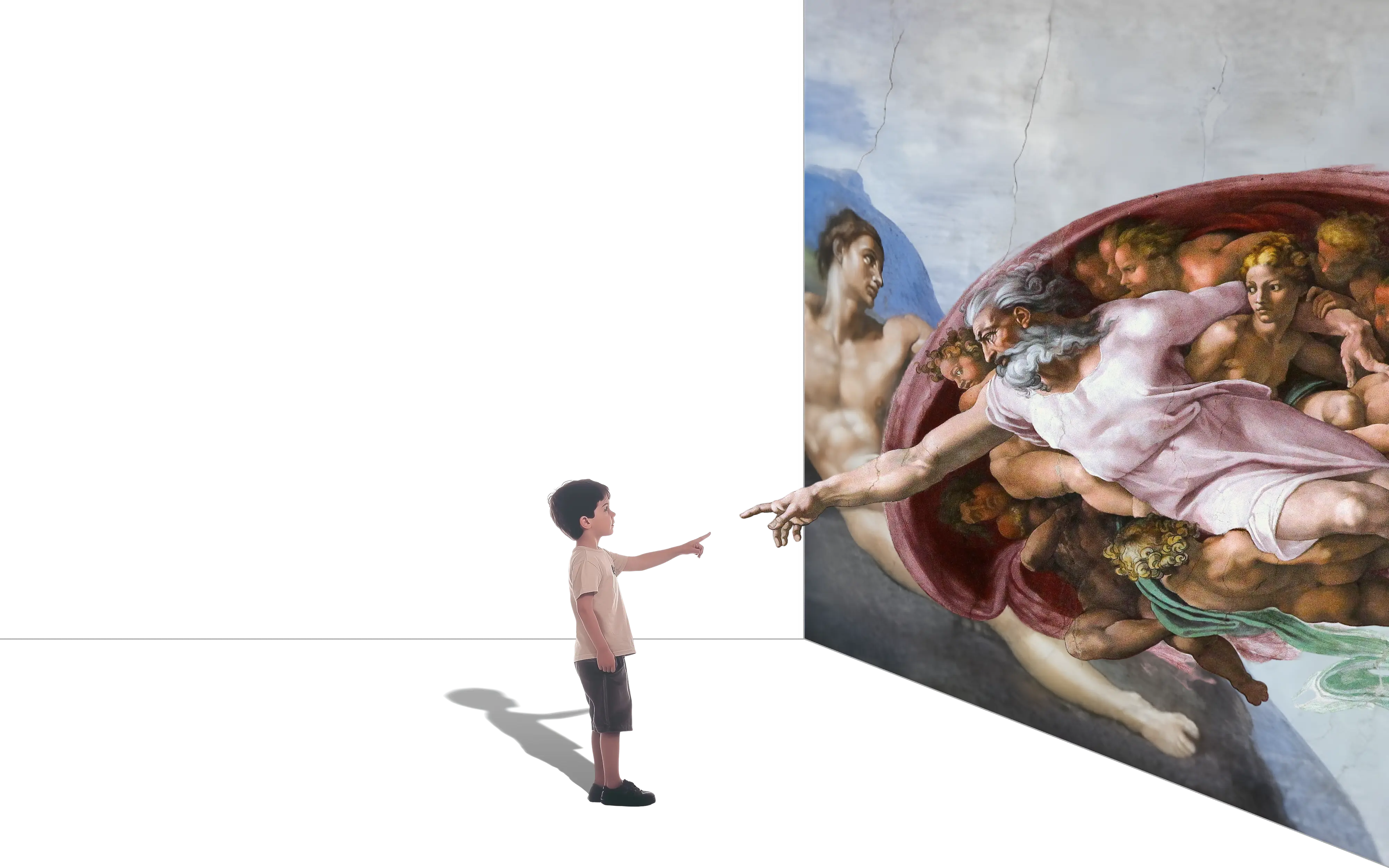
Trusted by cultural institutions worldwide
Musa powers guided experiences in 40+ languages across three continents, from art museums to archaeological sites.









A web app, not an app-store app
Musa's museum audio guide app is a browser-based web app: scan a QR code and it opens instantly on the visitor's own phone. It feels like an app — but with nothing to install, no app store listing, no account. Every step removed between curiosity and listening means more visitors actually use the guide.
This page is about what visitors experience on their phones. How the content gets there is covered under creating an audio guide, and the workspace behind it under audio guide software.
From QR code to first audio in seconds
No app store, no downloads, no accounts. The guide runs in the browser on your visitors' phones and feels like an app.
1Scan the QR code
Visitors scan a QR code at the entrance or next to an exhibit with their own phone. No hardware to hand out, nothing to collect back.
2The guide opens instantly
It opens straight in the browser. Nothing to install, no app store detour, no account to create.
3The first stop starts playing
Visitors pick their language from 40+ options and the tour begins, right where they are standing.
4They can ask anything
At any point in the tour, visitors can ask the guide their own questions and get an answer grounded in your content.
Update it like a webpage, not like an app
Your guide is published like a website. Change it whenever you want, as often as you want, with unlimited content updates.
Edit in Studio, live for the next visitor
Change a text, swap an artwork, or add a stop in Musa Studio and publish. The next visitor who scans the QR code gets the new version.
No releases, no app-store review
There is no build to submit, no review queue to wait for, and no old versions lingering on visitors' phones. Everyone always has the current guide.
Your guide, your identity
Visitors see your institution's guide, not a shared platform app they have to find your museum inside. Your branding, your tours, your voice.
Native app or web app?
Both can carry a museum guide. They differ in what you maintain and what visitors have to do before they hear anything.
| Native museum app | Musa web app | |
|---|---|---|
| Getting started | App store download, often an account | Scan a QR code, opens in the browser |
| Updates | App-store releases and review queues | Publish in Studio; the next scan is current |
| Reach | Only visitors willing to download | Any visitor with a phone browser |
| Branding | Fully yours — at the cost of building and maintaining an app | Your branding and tours, platform maintained by Musa |
| Offline | Can bundle content for full offline use | Tour audio keeps playing offline; live AI answers need a connection |
Audio guides, how they should have been
There is a big difference between a guide and a recording. Your visitors will notice. See all features.
Not all AI audio guides are the same
Most approaches automate the old format. We built it from scratch.
Faster scripts, less authentic
AI writes and voices a traditional script. Production gets cheaper, but every visitor hears the same fixed recording. No conversation, no personalisation.
A guide that shows you around
A curated journey visitors can question and explore freely. Personalised, continuous, authentic, and fast to produce.
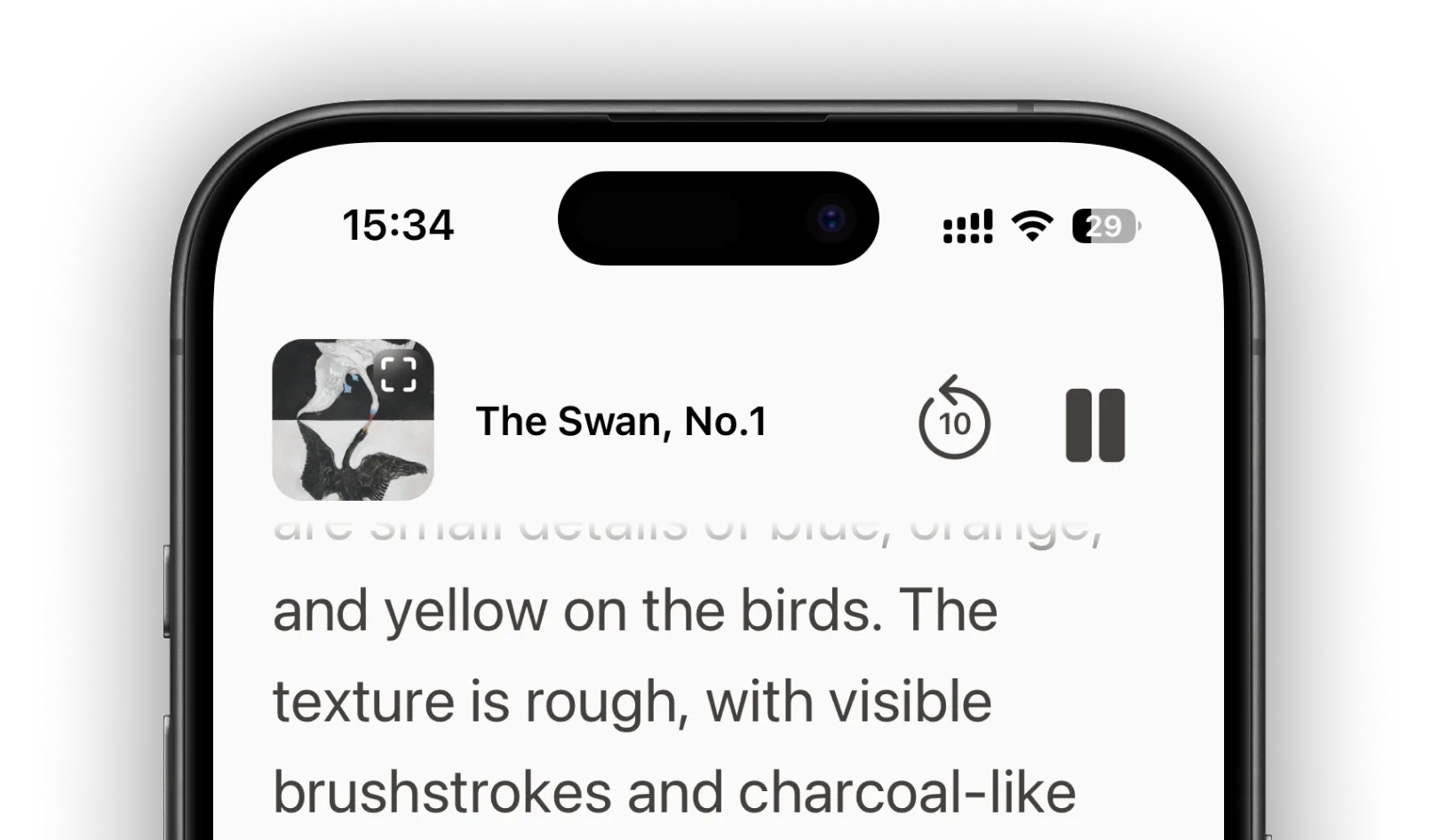
One painting at a time
Visitors can ask about a single artwork in front of them. No route between rooms, no curation, no sense of the collection as a whole.
Pricing that starts at zero
No setup fees, onboarding included. Choose revenue share with no upfront costs, a subscription from £500 a month, or prepaid credits from £1,000.

Questions about the museum audio guide app
No. The guide is a browser-based web app: visitors scan a QR code and it opens directly in their phone's browser. There is nothing to search for in an app store and nothing to download.
No. Scanning the QR code is the whole onboarding. No installation, no account, no permissions dialogs — the tour simply starts.
Tour audio has offline support, so narration keeps playing in dead zones. Live AI answers pause while the phone is offline and resume as soon as the connection returns.
The guide runs in the web browser of any current smartphone, iPhone or Android. Visitors use the phone already in their pocket; there is no hardware to hand out.
Yes. Visitors see your institution's guide with your branding, tours and voice — not a shared platform app they have to find your museum inside.
There is no app to build, so you only pay for the guide itself: revenue share with no upfront costs, a subscription from £500 per month, or prepaid credits from £1,000. Onboarding is included.


