The new Musa Studio
This month, we've rebuilt Musa Studio. It's where curators decide what their AI guide knows and how it talks about it.
We focused on four things. Everyone on a team should see who changed what, and what's already live for visitors. Your content should get more of the screen. Studio should point you to what needs doing next. And anything you're looking for should be one search away.
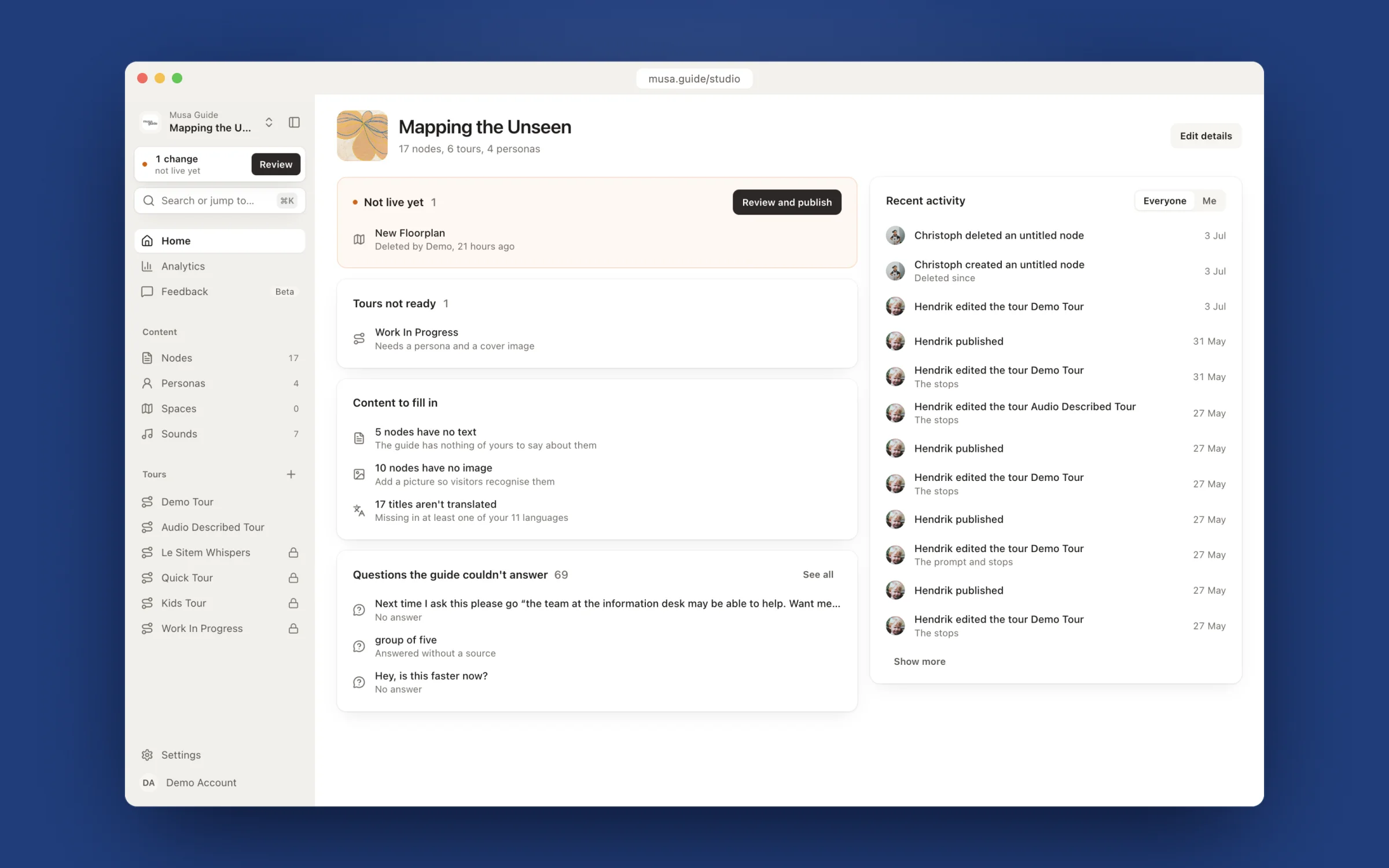
Start with what needs doing
Home used to be a profile form and a feed. Now it opens on your to-do list: changes visitors can't hear yet, tours that aren't ready and why, nodes (the guide's knowledge entries) with no text or no picture, titles still waiting for a translation, and the questions visitors asked that the guide couldn't answer. Click any line and you land where you can fix it. Whatever you had open last sits at the top, for when you get pulled into a meeting halfway through a sentence.
Always know what's live
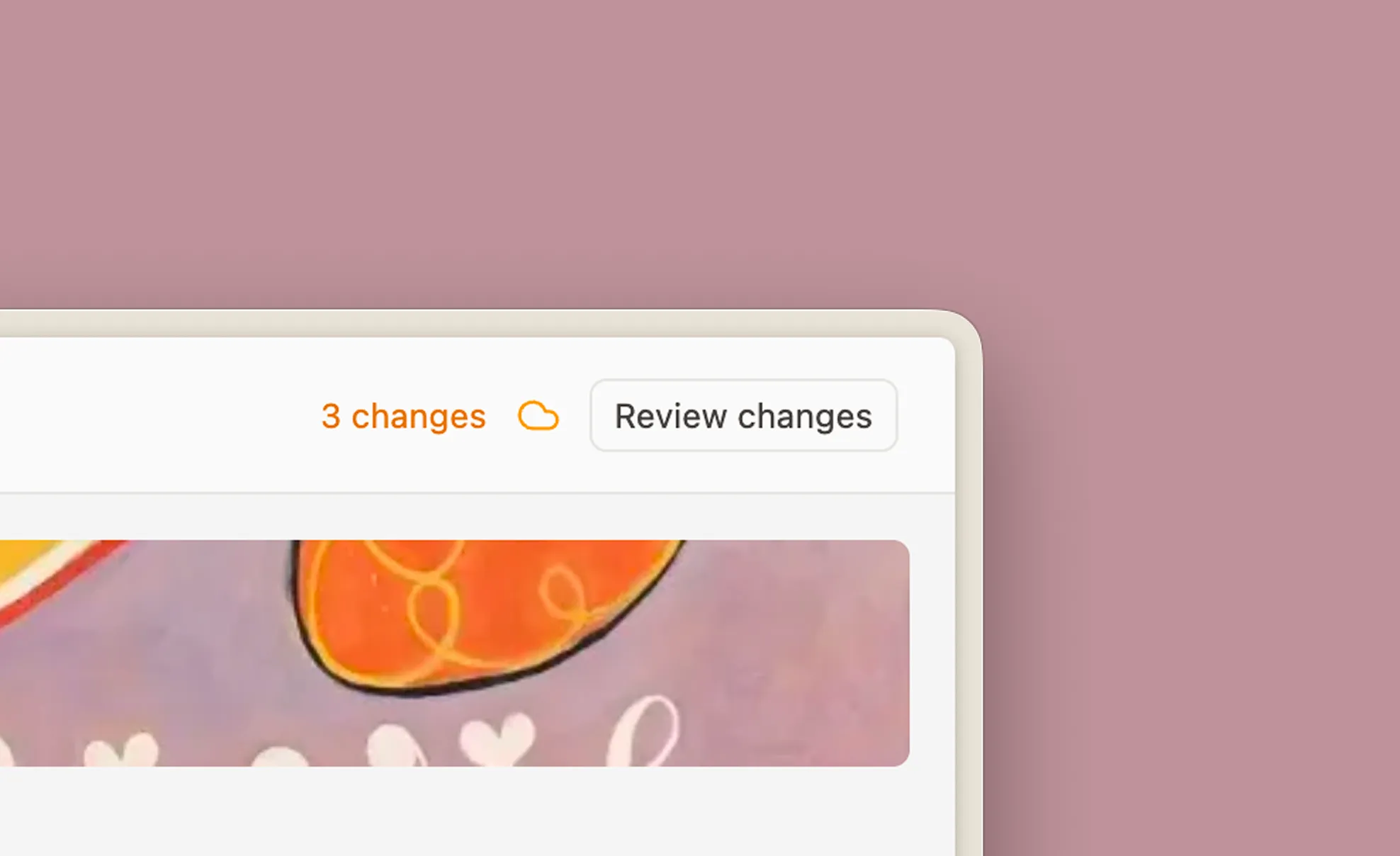
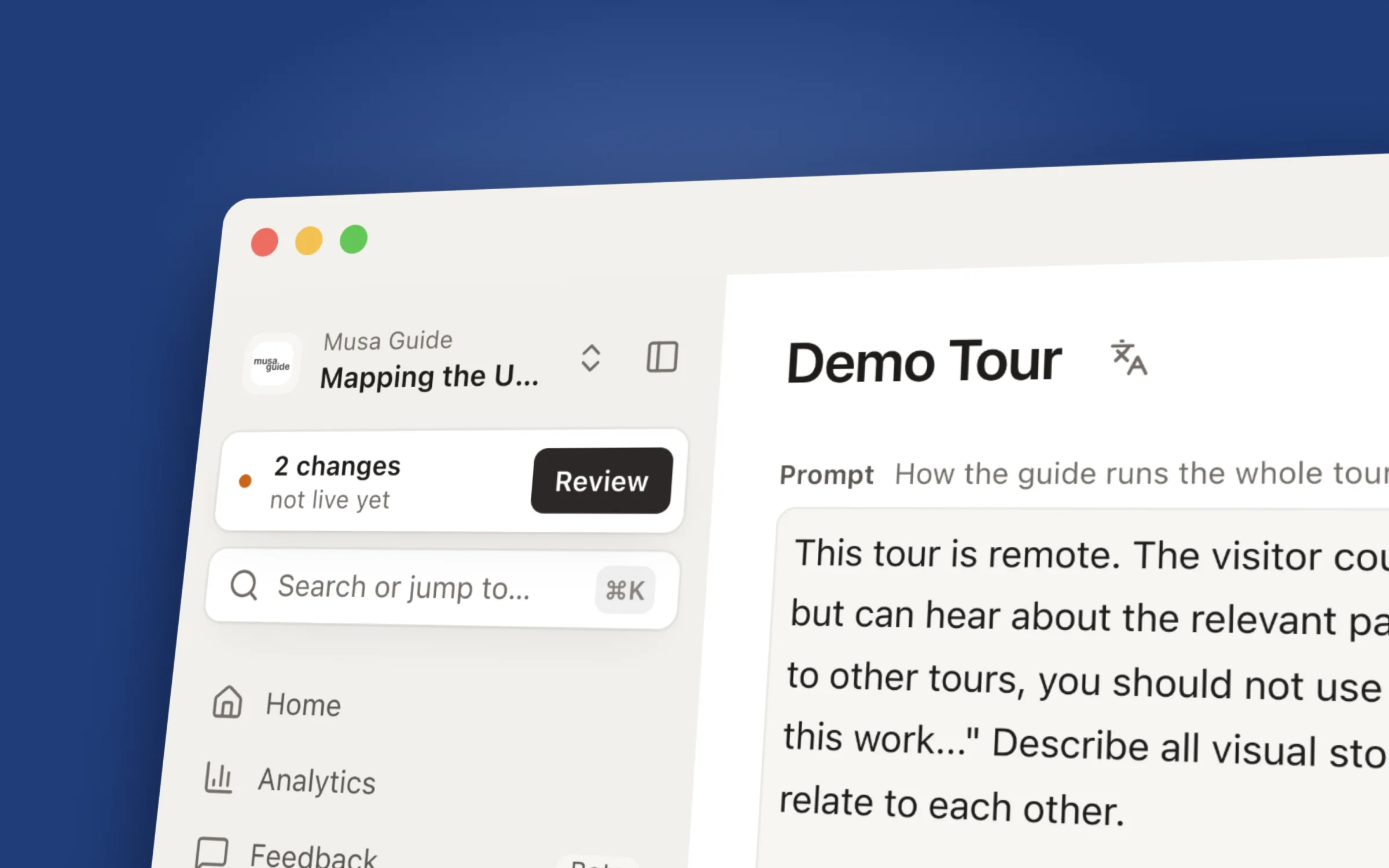
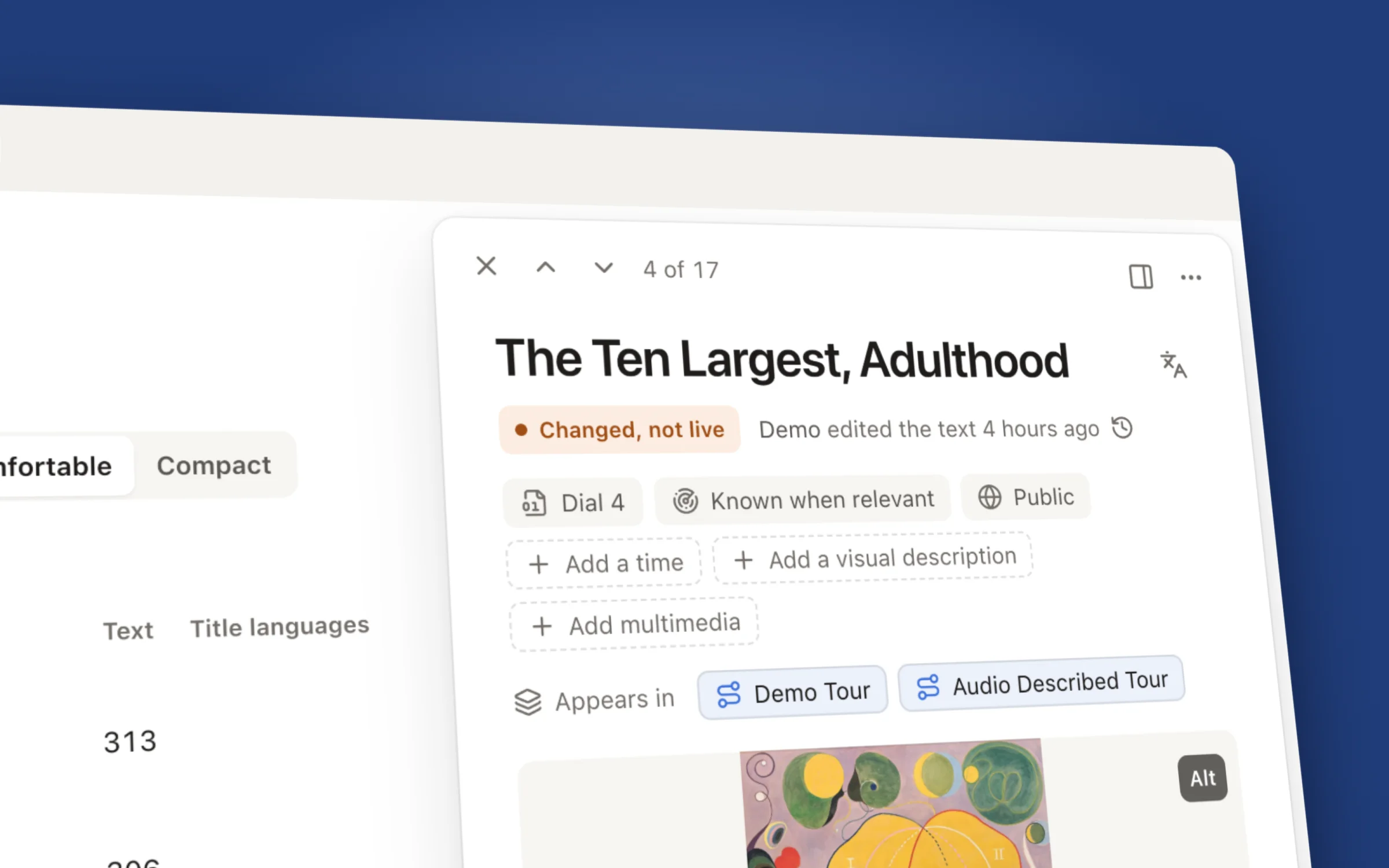
The publish card now sits at the top of the sidebar, on every page, and keeps count of what your visitors don't have yet. Every node, persona and tour says where it stands too: live for visitors, changed since you last published, or not published yet.
Edit together
A tour is rarely a one-person job. When a colleague edits or publishes, their name shows up as it happens. AI assistants connected to Studio sign their work too, so you can tell who changed what.
Preview what the guide will say
A tour's prompt now reads like a document rather than a form field. Open the transcript and Studio writes out a sample of what the guide would say at each stop, based on your draft, so you can read how a change will sound before visitors hear it. Point at a stop and its paragraph lights up, and the other way round.
Transcript preview
Find anything
Press ⌘K (Ctrl+K on Windows) and start typing. It searches titles and text across nodes, personas and tours and takes you straight there. Everything you open has its own link, so "have a look at the swan one" can now be a link.
Maps and floor plans
There's one undo for all floors now, and right-click no longer deletes things (sorry about that one). Click a pin and its node opens beside the map, and the map stays where you left it.
More room, less noise
The bar that used to run along the top of every page is gone, which gives your work more room. The sidebar folds away when you want the whole width (⌘\ or the button next to the exhibition name). Nodes and personas open in a panel that floats beside the page and stays open as you move around. We also took most of the colour out of the interface so your images get all of it. Blue marks what's selected, orange marks anything that isn't live yet, and that's about it.
If you use Studio, log in and poke around. If something feels off or you can't find it, tell us. That's how this whole redesign started.